
Top Online Payment Platforms to Speed Up Customer Payments and Improve Your Cash Flow
Top Online Payment Platforms to Speed Up Customer Payments and Improve Your Cash Flow

Pratheek Adi
Co-Founder & CTO

Table of contents
Share
Getting paid faster often comes down to giving your customers easy payment choices. Today’s buyers expect convenience, clarity, and speed when settling invoices. If your billing only offers old-fashioned methods like mailed checks or complex bank transfers, your customers may delay payment simply out of inconvenience.
Modern online payment platforms provide multiple ways for customers to complete invoices quickly, from credit cards and ACH transfers to digital wallets and mobile pay. Offering several options through a single platform can significantly reduce barriers and help you get paid sooner.
In this article you will get an overview of the top online payment platforms and methods that are making it easier for businesses to accelerate customer payments and improve cash flow.
Why Flexible Online Payments Matter for SMBs
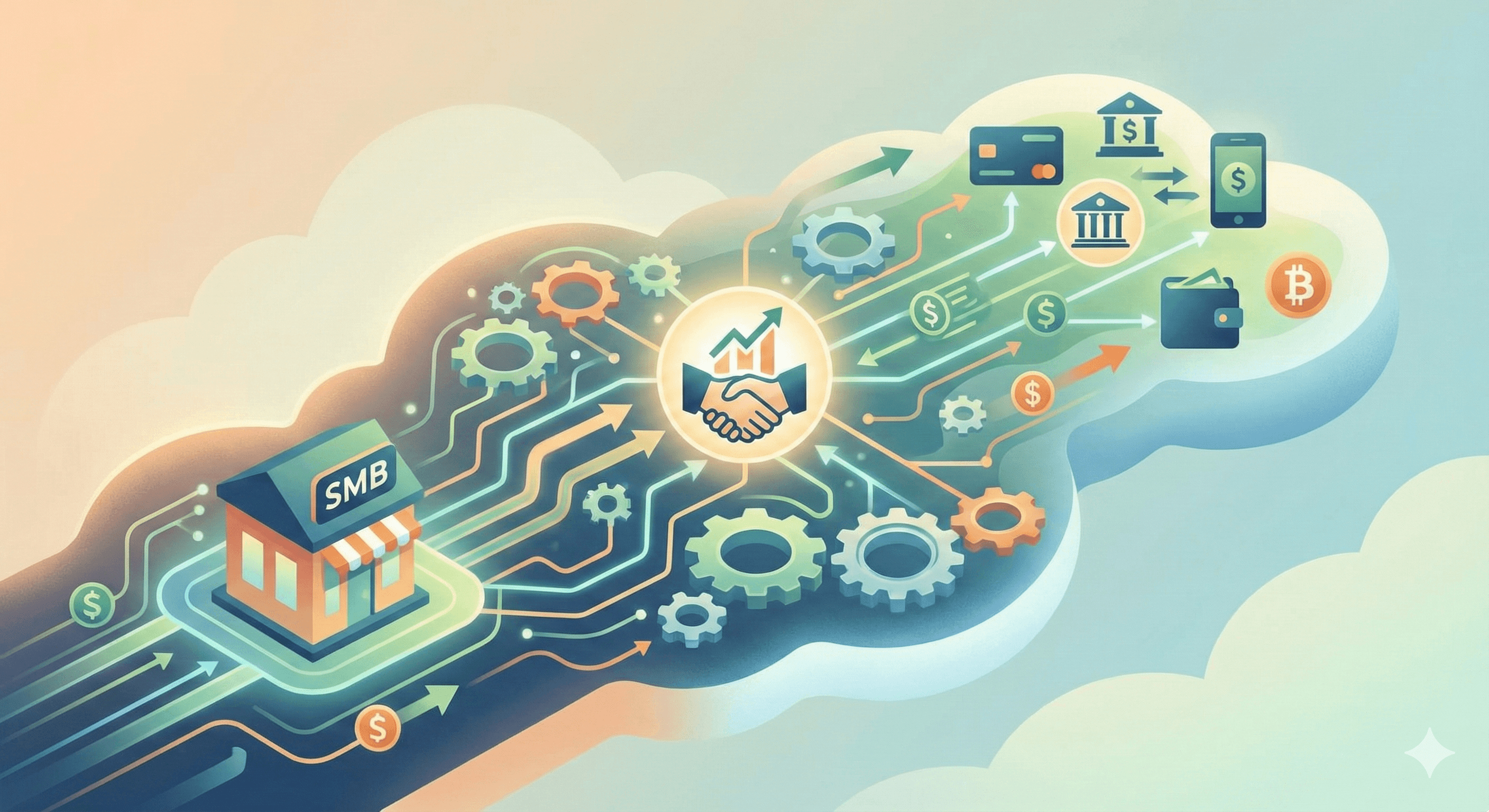
Customers sometimes delay payment not because they lack funds, but because the process is cumbersome. When you present a clear, simple way to pay with a few clicks, you reduce hesitation and friction. According to payment industry sources, mobile wallets like Apple Pay and Google Pay alone now account for a large share of online e-commerce transactions because they simplify the checkout experience.
For service-based small and mid-sized businesses (SMBs), providing multiple payment choices can mean the difference between invoices paid on the due date or invoices that linger past terms. It also improves your customers’ experience with billing, which can positively influence repeat work and referrals.
The rest of this article breaks down popular payment platforms and methods, the benefits they offer, and how to choose the right mix for your business.
Credit Card Payment Platforms
Credit cards remain one of the most widely recognized and familiar online payment methods because nearly everyone has a card and can click through a payment quickly.
Stripe
Stripe is a highly flexible payment processor that supports major credit cards and integrates with many billing systems. It also supports ACH and digital wallets, giving customers choice at checkout. Stripe is popular with businesses that want a programmable platform with robust APIs and strong developer support.
Benefits
Supports major credit cards and digital wallet options.
Easy to embed payment links in invoices or online portals.
Strong integration ecosystem with accounting tools.
Considerations:
Processing fees can vary by transaction type.
Some platforms built on Stripe add extra fees on top of base card fees, so always check total charges. Reddit
PayPal
PayPal remains one of the most widely used payment processors for online transactions, thanks to its brand recognition and versatile payment options. It supports credit cards, debit cards, and its own peer-to-peer channels like Venmo for business in some regions.
Benefits:
Widely recognized by customers, which can build trust.
Offers payment links, QR codes, and mobile app options.
Good for businesses with international customers, as it supports multiple currencies.
Drawbacks:
Fees are generally higher than some competitors.
Some businesses report holds or delayed payments when the system flags risk.
Square
Square provides payment processing and invoicing tools that let customers pay online using credit or debit cards, mobile wallets like Apple Pay and Google Pay, and other digital channels. Square’s invoicing tools allow you to send an invoice with a clear pay button that simplifies payment.
Benefits:
Simple setup for credit card payments and invoicing.
Includes support for mobile wallet payments at checkout.
Next-day or fast deposits available in many regions.
Considerations:
May not be the best choice for businesses with very high invoice volumes.
Fees can vary by payment method and region.
ACH and Bank Transfer Platforms
Automated Clearing House (ACH) transfers in the U.S. or Electronic Funds Transfer (EFT) methods in other countries let customers pay directly from their bank accounts. Unlike credit cards, ACH payments typically have much lower processing costs, especially for larger invoices.
Direct ACH Payments
Businesses can accept ACH or EFT payments by providing customers with a secure payment page or bank authorization form. These payments usually take a few business days to clear but come with lower fees, making them attractive for high-value invoices.
Pros:
Lower fees than credit card transactions.
Great for large B2B invoices.
Cons:
Payments take longer to settle (often 3–5 business days).
Customers must enter bank details, which some find less convenient than instant card payments.
ACH Through Processors
Many online invoicing platforms and payment processors (including Stripe and PayPal) offer ACH processing within their systems. This can combine lower costs with smoother checkout experiences, especially when tied directly to invoice links.
Benefits:
Lower cost per transaction.
Often included with existing invoicing software.
Reduces manual bank transfers and reconciliation.
Considerations:
Some processors may charge a fee or cap charges for ACH. Always check terms.
Digital Wallets and Mobile Payments
Digital wallets like Apple Pay, Google Pay, Samsung Pay and similar mobile options speed up payment by storing the customer’s card and billing information. At checkout, users can pay with a tap or biometric unlock, which removes the friction of entering card numbers.
Apple Pay and Google Pay
Supported by many online payment gateways, Apple Pay and Google Pay make it fast and convenient for customers to pay invoices on mobile devices or desktop browsers. The platforms use tokenization and secure authentication to protect customer data.
Pros:
Fast, secure payments with fewer steps.
Often preferred by mobile customers.
No additional fees beyond the underlying card processing fees.
Cons:
Not all invoicing systems support digital wallets natively; integration may be required.
Digital wallets can significantly reduce checkout abandonment because they eliminate the need to type in long card numbers or billing details.
Payment Platforms With Invoicing and Billing Support
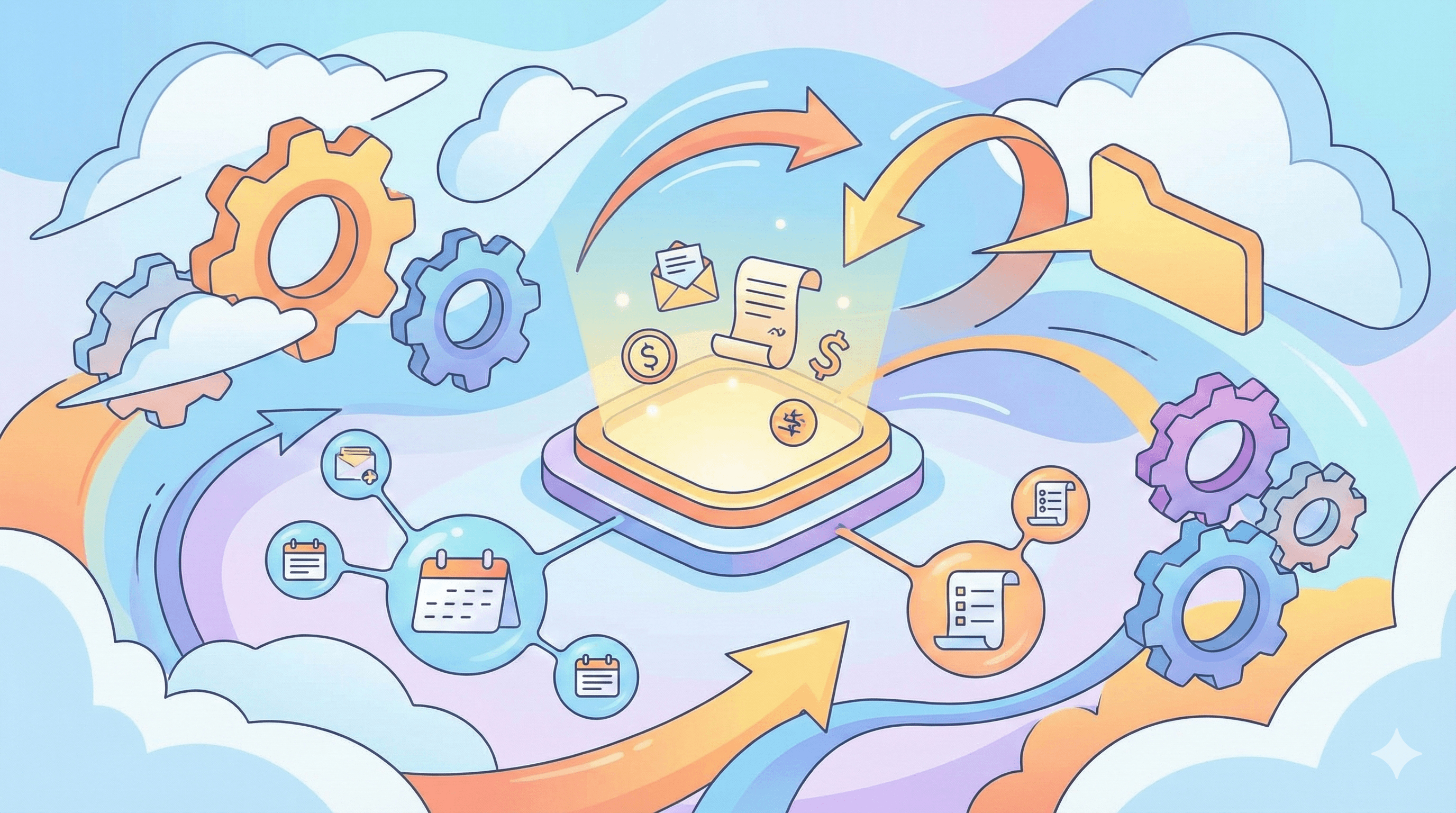
Some payment processors bundle online payments with invoicing tools, which can simplify your billing workflow and make it easier for customers to pay directly from an emailed invoice.
FreshBooks Payments
FreshBooks Payments is a built-in payment processor that works with the FreshBooks accounting and invoicing suite. Businesses can accept credit cards, ACH transfers, and digital wallet payments all through invoice links that appear inside client emails.
Benefits:
Integrates payments with accounting and expense tracking.
Customers can click a pay button directly on emailed invoices.
Supports multi-method payments including ACH and card.
Considerations:
Payment processing fees apply per transaction.
Best suited for businesses already using FreshBooks for accounting.
Wave
Wave offers free invoicing tools with the ability to accept payments online, including credit card and ACH. While the invoicing software itself is free, you still pay processing fees for online payments.
Benefits:
Professional invoices and recurring billing at no software cost.
Simple payment options for customers.
Drawbacks:
Fees for credit card and ACH still apply.
Less advanced reporting than some paid platforms.
Key Questions When Choosing Online Payment Platforms
When comparing payment platforms, keep these questions in mind:
1. What payment methods does the platform support?
Offering credit cards, ACH, and digital wallets gives customers choice and reduces friction.
2. Does the platform integrate with your invoicing or accounting software?
Integration can automate reconciliation and reduce manual work.
3. What are the fees?
Fees vary by method and provider. ACH and bank transfers typically cost less than credit cards, while digital wallets may carry only underlying card fees.
4. How fast do funds settle?
Some platforms offer instant or next-day deposits, which can improve your working capital.
5. How easy is it for customers to complete payments?
A one-click payment experience from an emailed invoice often leads to faster payment than forcing customers to navigate to a separate portal.
Best Practices to Speed Up Customer Payments
Providing multiple payment options is only part of the solution. To truly speed up payments:
Add Clear Pay Links in Invoices
Embed payment buttons that allow clients to pay with one click. This reduces friction and confusion.Offer Several Payment Methods
Some customers prefer cards, others bank transfers or mobile wallets. Giving options helps them choose what’s easiest.Use Recurring or Auto-Pay for Repeat Work
For ongoing services, set up auto-pay arrangements where appropriate so payments happen on schedule.Communicate Terms Clearly
State due dates, acceptable payment methods, and any late fees right on the invoice.Align With Your Accounting Data
Ensure your payment platform syncs with your financial systems so payments automatically update receivables and reduce reconciliation time.
How Payment Platforms and AR Automation Work Together
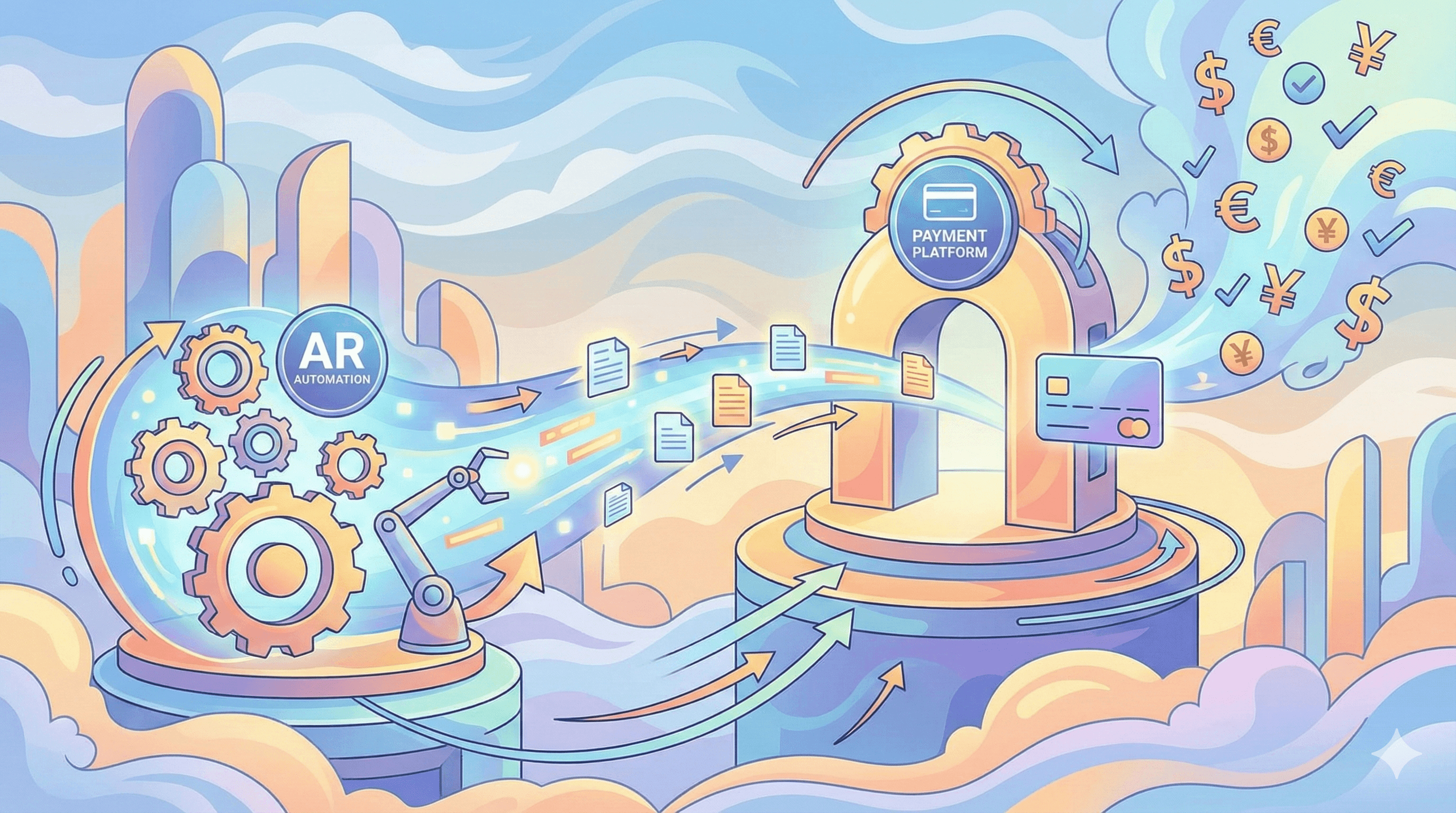
A well-chosen payment platform accelerates customer payments, but combining it with accounts receivable automation amplifies results. Abivo can connect with your payment methods and invoicing systems so reminders and follow-ups include live payment links. Abivo integrates with systems like QuickBooks, NetSuite, FreshBooks, Sage Invoicing, Microsoft Dynamics, Xero, Stripe, Square Invoices, SAP Business One / Ariba, Jobber, ServiceTitan, BuildOps, and Bill.com to provide consistent outreach and make it easy for customers to pay right away.
When your AR workflows automatically send clear invoice reminders with embedded payment options, you reduce delay, lower days sales outstanding, and improve your cash flow without increasing manual work.
Practical Takeaways
Provide multiple payment options, including credit cards, ACH, and digital wallets, so customers can pay in the way that suits them.
Choose payment processors that integrate with your invoicing or accounting systems to reduce manual reconciliation.
Embed clear pay-by links directly in customer invoices to make immediate payment easy.
Compare fees, payout timing, and convenience when selecting platforms.
Combine payment options with AR automation to ensure timely reminders and smoother cash flow.
Selecting the right online payment platforms together with automated AR workflows helps you reduce friction for customers, speed up receivables, and keep your business running smoothly. By offering convenience and variety, you make it easier for customers to pay you promptly.